Is Exby2 free?
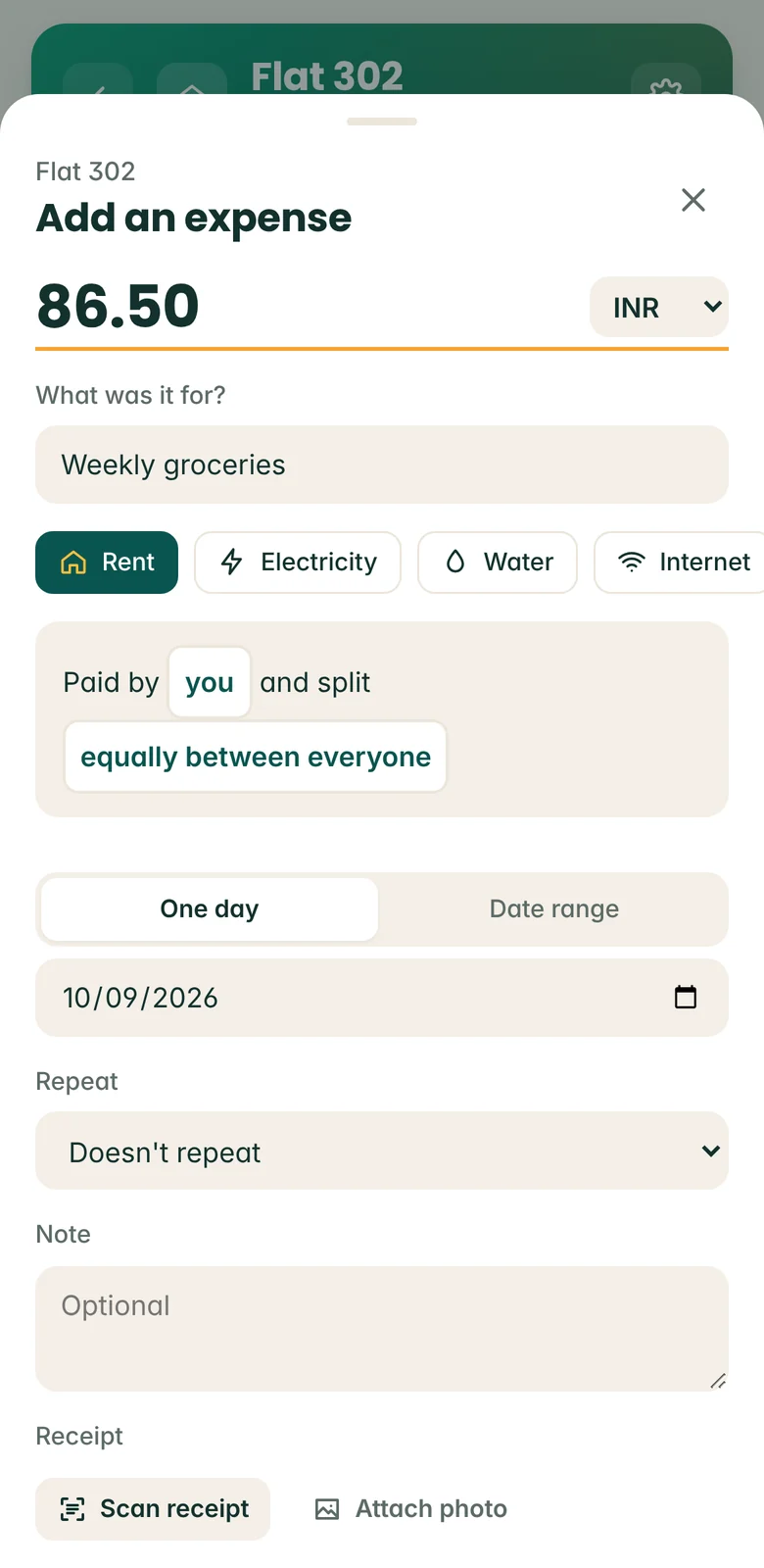
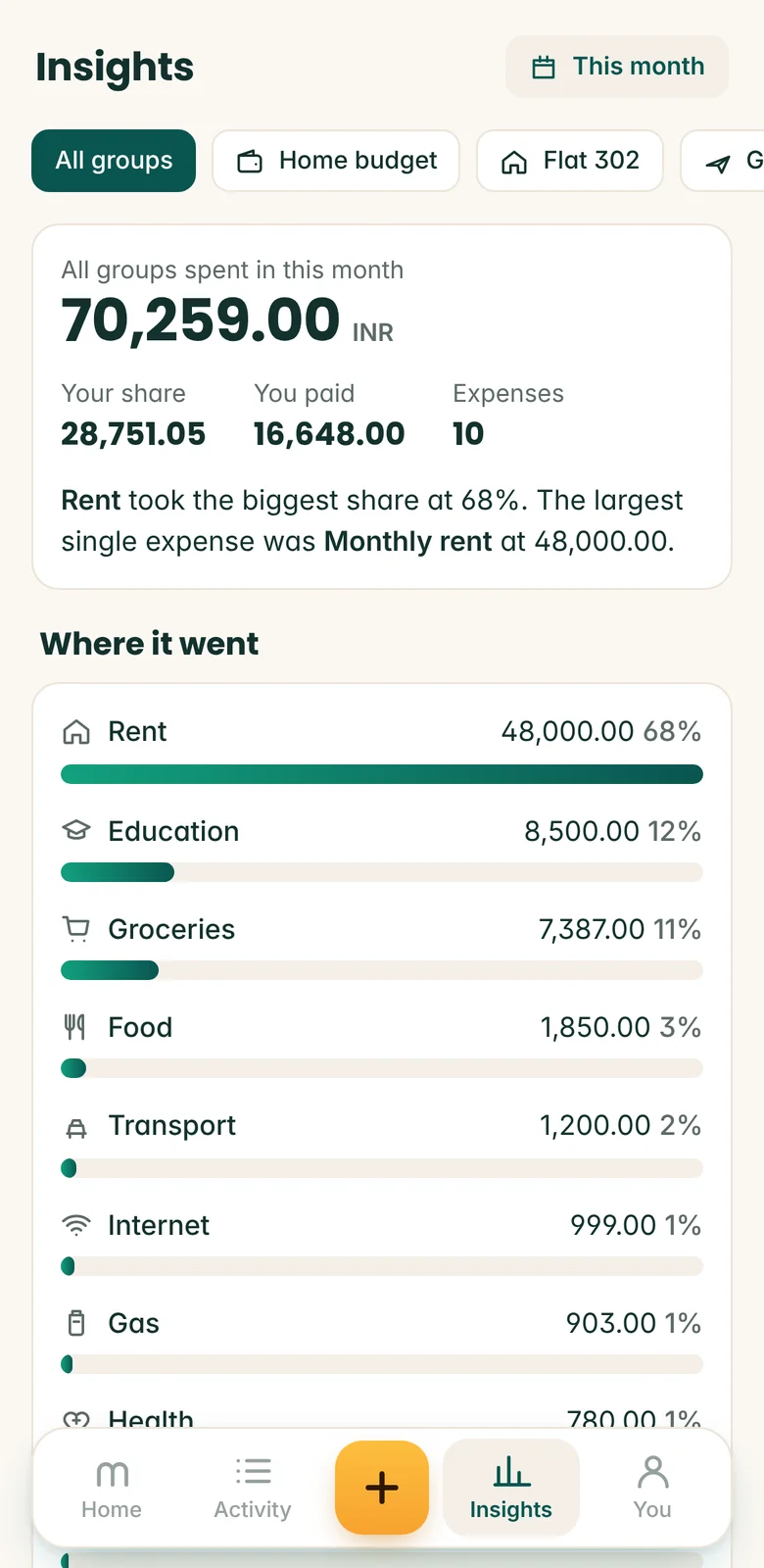
Splitting is free, always: groups, balances, adding expenses, settling up and sync, with no ads. Exby2 Plus adds receipt scanning, insights, your own budget with income, savings goals, PDF and Excel, payment capture, the widget, backup and more than two groups of your own. Try it free for 14 days.
How do I cancel Plus?
In Google Play: tap your profile picture, then Payments and subscriptions, then Subscriptions, and choose Exby2. Cancel before the free trial ends and you won't be charged. Your groups and entries are never deleted when Plus ends.
Does everyone in the group need the app?
Only people who want to see the group on their own phone. One person can keep the group for everyone and send a PDF statement when it's time to settle.
Does it need the internet?
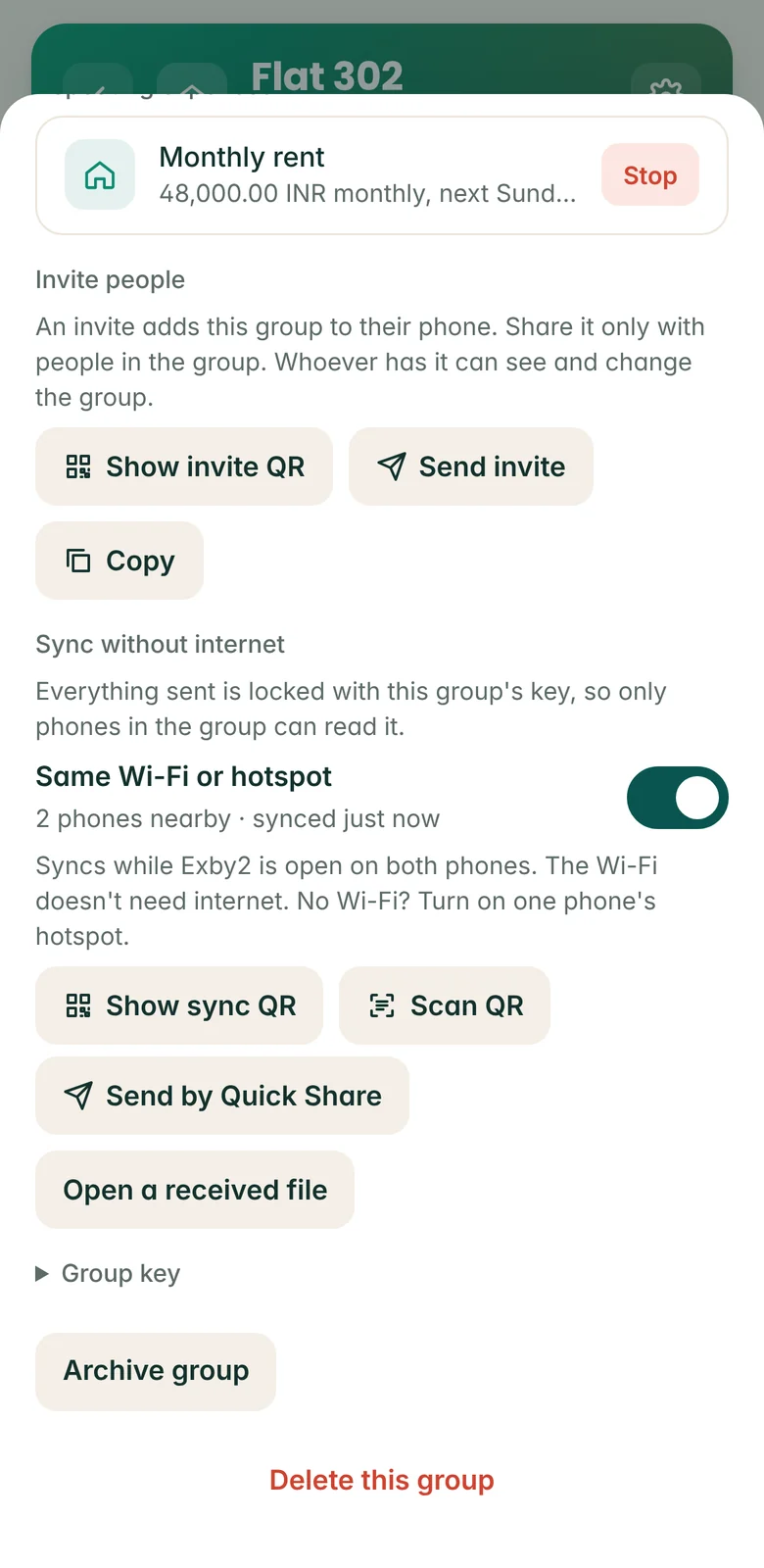
No. Everything works offline. To keep phones in step, use the same Wi-Fi or a hotspot (no internet needed), a QR code, or send a locked file by Quick Share, Bluetooth or a chat app.
Where is my data kept?
On your phone, in the app's private storage. We don't run a server and never receive your groups, expenses or photos.
What if I change my phone?
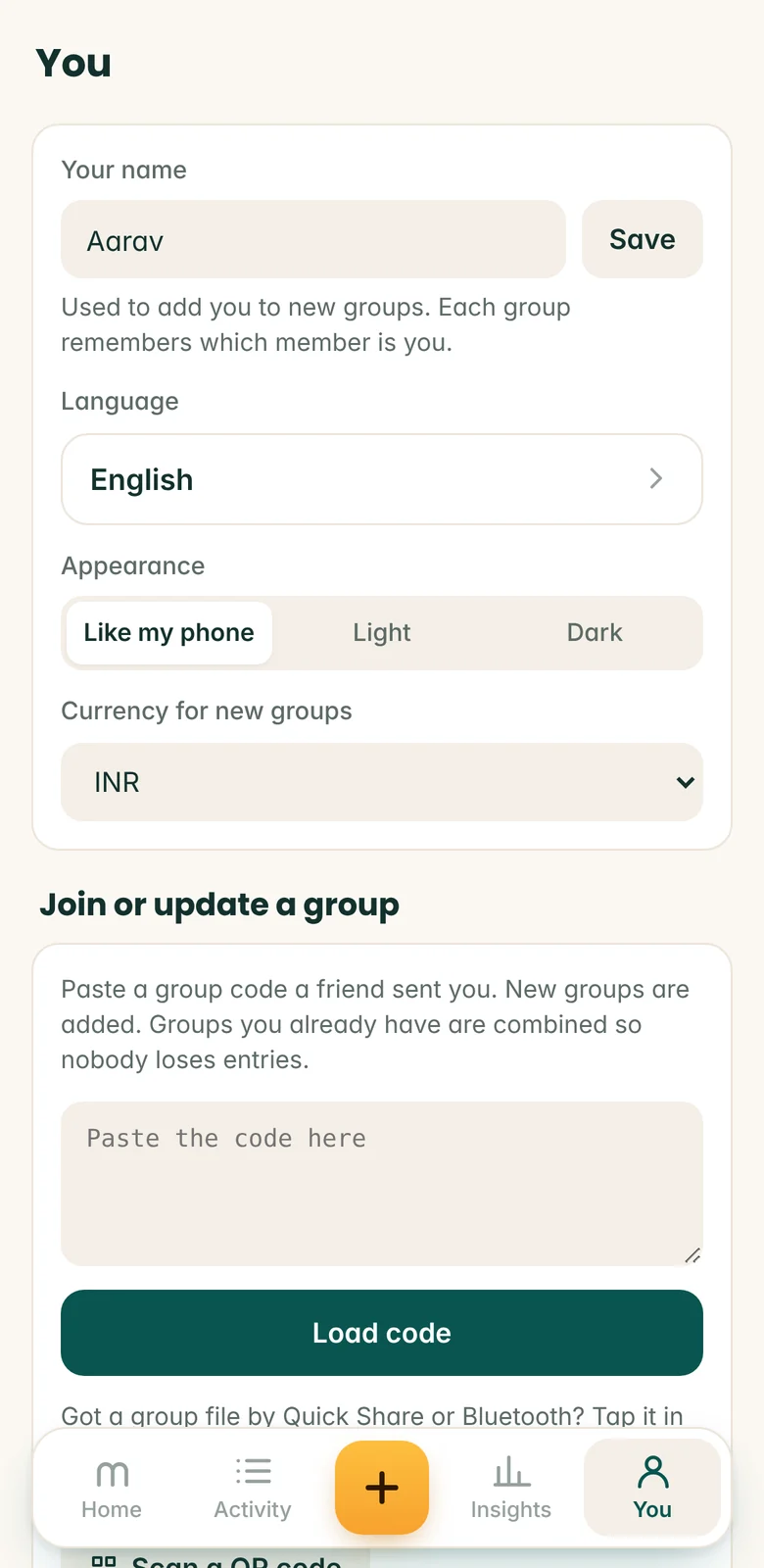
Make a backup from the You page. It's one file locked with your password. On the new phone, choose Restore from a backup.
Which payment apps can it read?
Only if you switch it on: Google Pay, PhonePe, Paytm, BHIM, CRED, MobiKwik, Navi and super.money. Other apps are ignored, and one-time codes are never kept. Nothing is added until you tap Add.
Is there an iPhone version?
Not yet. Exby2 is available for Android 7.0 and newer.